Windows vs. Linux Differences
sshs3 runs from a single unified codebase across Linux, Windows, and macOS. However, due to architectural differences in Microsoft Windows — specifically Win32-OpenSSH, the Windows service model, and filesystem semantics — certain platform-specific behaviors and workarounds apply. Where the application can compensate automatically, it does so silently; this reference details the operational characteristics, limitations, and configurations specific to Windows.
1. Feature Comparison: Linux vs. Windows
| Capability | Linux | Windows | Architectural Explanation |
|---|---|---|---|
| FIDO2 Resident Keys | Supported (ssh-add -K) | Key file required | Win32-OpenSSH lacks unprivileged resident key discovery (ssh-add -K fails with code -1). |
FIDO2 Key File (*_sk) | Supported | Supported | Windows signs via native OS WebAuthn APIs (PIN + touch per connection). |
| Smartcard Agent | Private per-session ssh-agent | Shared ssh-agent service | Windows named pipe \\.\pipe\openssh-ssh-agent allows only a single system-wide instance. |
| Agent Setup Required | Automatic (app spawns agent) | Yes (service must run) | Requires "OpenSSH Authentication Agent" Windows service set to Automatic. |
libykcs11 via Agent | Works out of the box | System PATH required | Service searches machine PATH for companion DLLs (libcrypto-3-x64.dll). |
p11-kit Support | Supported (recommended) | Not available | Linux-specific PKCS#11 distribution mechanism; use OpenSC on Windows. |
| X11 GUI Forwarding | Native X11 / Wayland | Bundled VcXsrv | Rootless portable X11 server bundled and auto-started on port :0. |
| Telemetry ControlMaster | Multiplexed (2s interval) | Sequential (10s interval) | Win32-OpenSSH lacks ControlMaster socket multiplexing. |
2. FIDO2 & Security Keys on Windows
Resident Credentials vs. Key Files
- Resident (Discoverable) Keys: On Windows, resident credentials cannot be enumerated without administrative privileges, and Win32-OpenSSH
ssh-add -Kfails withProvider "internal" returned failure -1 / device not found. The profile editor automatically disables the resident option on Windows. - Using a FIDO2 Key File: In the connection profile, leave resident unticked and click Generate a new key on this security key (or select an existing
id_ed25519_sk/id_ecdsa_skfile). Windows routes cryptographic signatures through its native WebAuthn subsystem without requiring elevated permissions. - Physical Touch Requirements: Win32-OpenSSH requires user presence (physical touch) for each cryptographic handshake. While PIN caching can minimize password prompts, the gold sensor must be touched for each connection.
- SFTP Integration: The dual-pane file manager shares the native OpenSSH engine, providing the exact same interactive PIN and touch prompt workflow as terminal tabs.
PIN Retry Lockout: Security keys enforce hardware counters on failed or rapid consecutive PIN entries. If multiple failed attempts occur, the token temporarily blocks PIN authentication until physically unplugged and reinserted.
3. Smartcards & PKCS#11 Architecture
Shared System Agent Service
On Linux, sshs3 spawns isolated, private ssh-agent instances for each connection. On Windows, Win32-OpenSSH restricts agent communication to a single global named pipe:
\\.\pipe\openssh-ssh-agentBecause a second agent instance cannot be created, all PIN-caching modes load certificates into the shared Windows service via ssh-add -s and evict them via ssh-add -e.
Operational consequences:
- Any Windows application communicating with the OpenSSH agent can utilize loaded credentials while the card remains unlocked.
- The top-bar smartcard indicator displays all keys present in the shared agent, including keys added manually via CLI.
- Restarting the Windows service clears all loaded credentials from memory.
Enabling the OpenSSH Authentication Agent Service
The Windows OpenSSH agent service is disabled by default in stock Windows installations. The standard installer enables and starts it automatically. If running the Portable build or if UAC was declined, run the following command once in an elevated PowerShell prompt:
Set-Service ssh-agent -StartupType Automatic
Start-Service ssh-agent
If the service is stopped, sshs3 reports: Startup unlock failed: Windows OpenSSH Authentication Agent service is not running
PKCS#11 Provider Selection & libykcs11 PATH Requirement
Windows installations detect Net iD, OpenSC, and Yubico's libykcs11. OpenSC (opensc-pkcs11.dll) is the recommended provider for both generic smartcards and YubiKey PIV applets.
When using Yubico's libykcs11.dll, the library depends on companion dynamic libraries (libcrypto-3-x64.dll, libykpiv.dll, zlib1.dll) located in its installation folder. Because Windows services search only the system-wide machine PATH, an unconfigured system results in agent refused operation.
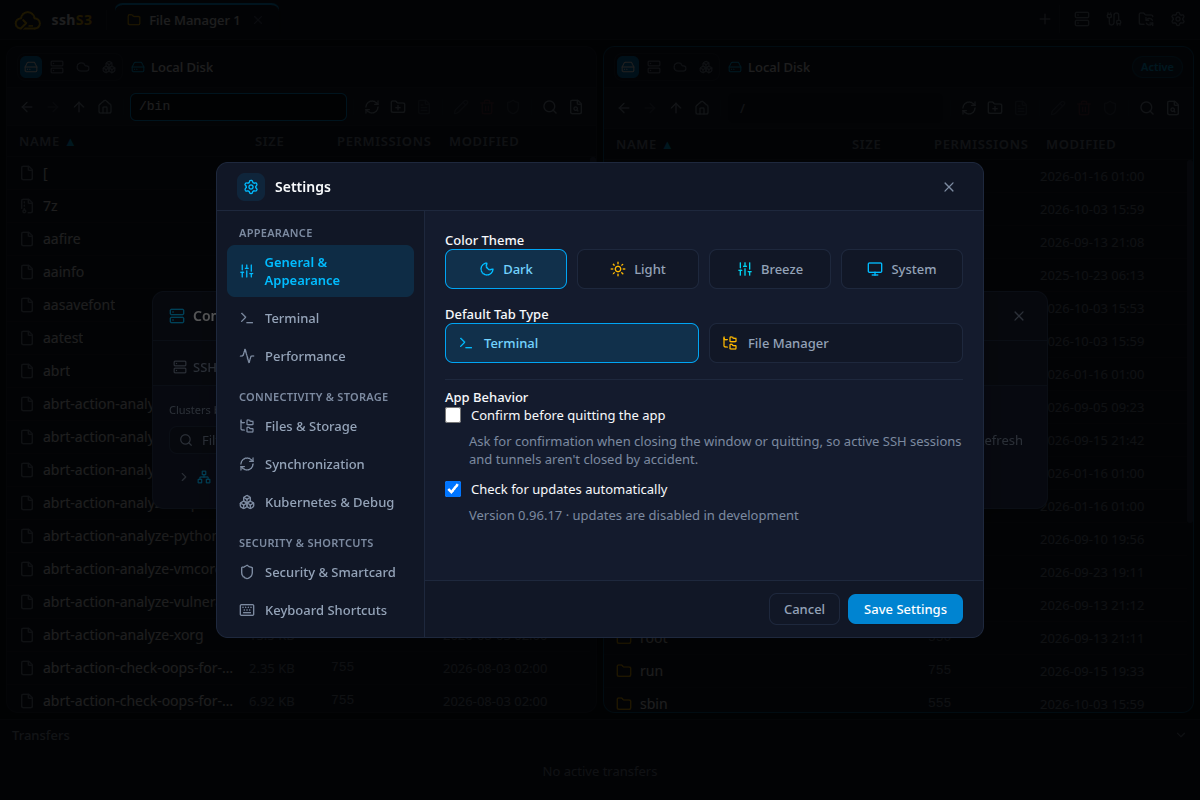
sshs3 provides a one-click administrative fix under Settings → Security & Smartcard (Fix Windows ssh-agent). To configure manually via PowerShell as Administrator:
$p = 'C:\Program Files\Yubico\Yubico PIV Tool\bin'
[Environment]::SetEnvironmentVariable('Path', [Environment]::GetEnvironmentVariable('Path','Machine') + ';' + $p, 'Machine')
Restart-Service ssh-agent
Certificate Inspection Fallback
sshs3 reads smartcard Subject, UPN, and validity periods via the native pkcs11js Node addon. If native compilation tools were unavailable during client build, sshs3 automatically falls back to invoking OpenSC's pkcs11-tool.exe to inspect certificate metadata without interrupting user flow.
4. Managed Configuration & Filesystem Compatibility
Space-Safe ~/.ssh/config Generation
Windows user paths typically contain spaces (e.g. C:\Users\John Doe\.ssh or C:\Program Files\...). Stock OpenSSH splits unquoted paths into separate tokens, rendering configuration files unparseable.
When sshs3 generates its managed block in ~/.ssh/config:
- All
PKCS11Provider,IdentityFile, andCertificateFilepaths are wrapped in quotation marks. - Paths are normalized using forward slashes (
/), ensuring clean parsing across both Windows OpenSSH and WSL environments.
Reserved Device Names Protection
The Windows filesystem driver prohibits creating or opening files named after legacy DOS device names:
CON, PRN, AUX, NUL, COM1–COM9, LPT1–LPT9When transferring remote Unix files bearing these names, opening them in an external editor, or staging local temporary files, sshs3 automatically prefixes the filename with an underscore (e.g. _nul.txt, _con.log), shielding local filesystem APIs from fatal exceptions.
5. GUI Forwarding & Diagnostics
Bundled Portable VcXsrv X11 Server
Windows lacks a native X server. sshs3 bundles a self-contained, portable build of VcXsrv:
- Automatically launched on local display port
:0when an SSH profile with Forward X11 GUI (-Y) connects. - Configured in rootless multi-window mode (
-multiwindow -clipboard -wgl), allowing remote Linux GUI windows to blend seamlessly with the Windows taskbar and window switcher. - Access control is strictly enforced using MIT-MAGIC-COOKIE authorization to prevent local network hijacking.
Performance Bar Over SSH
Because Win32-OpenSSH does not implement the ControlMaster socket multiplexing available on Unix, each telemetry metric sample is gathered via an independent non-interactive connection:
- Minimum polling interval is capped at 10 seconds (compared to 2 seconds on Linux).
- Only supported for passwordless keys, saved credentials, or smartcards already cached in the running agent service.
Good to Know & Limitations: Windows Platform Specifics
- Unsigned Binaries & SmartScreen: Windows builds are not yet code-signed with an EV certificate; Windows Defender SmartScreen may display an "Unknown Publisher" warning on first launch. Click More info → Run anyway.
- Manual Updates: Auto-updates are currently disabled on Windows; update manually by downloading the latest release installer or portable archive from GitHub Releases.
- ControlMaster Absence: Win32-OpenSSH lacks Unix domain socket multiplexing (
ControlMaster), requiring independent non-interactive connections for background telemetry polling.
6. Troubleshooting & Diagnostics
| Symptom / Error Message | Probable Root Cause | Corrective Action |
|---|---|---|
Startup unlock failed … service is not running | Windows OpenSSH agent service disabled or stopped | Run Set-Service ssh-agent -StartupType Automatic; Start-Service ssh-agent in elevated PowerShell. |
agent refused operation when loading libykcs11 | Yubico companion DLLs not found in machine PATH | Click Fix Windows ssh-agent (administrator) in Settings, or add C:\Program Files\Yubico\Yubico PIV Tool\bin to machine PATH. |
| PIN requested twice for the same physical card | Same card configured under two distinct PKCS#11 drivers | Select a single uniform driver (e.g. OpenSC) for both the global default and individual profiles. |
Provider "internal" returned failure -1 | Attempting to use resident FIDO2 keys on Windows | Untick resident credential and generate or select an explicit key file (id_ed25519_sk). |
| "This security key can't be used" (Windows dialog) | Hardware key is U2F-only (YubiKey 4, NEO) | Generate an ECDSA-SK key without Require PIN + touch and without resident, or use PIV smartcard mode. |
line N: keyword pkcs11provider extra arguments at end of line | Legacy unquoted path with spaces in ~/.ssh/config | Let sshs3 regenerate the managed block under Settings → Terminal. Paths will be quoted automatically. |